Copying customer requests into Linear isn’t “process.” It’s data loss with extra steps. The moment feedback lives in docs, Slack threads, or a bloated enterprise graveyard like Jira Service Management, you get duplicates, missing context, and status drift. A Linear public feedback portal fixes that only if it stays tied to the same workflow where engineers triage and ship.
The clean path is a public Ideas Portal that funnels requests into Linear, then syncs status back out so customers stop asking for updates. Chapter 1 sets up Userback so incoming feedback has structure, not vibes. Chapter 2 wires a 2-way Linear integration so issues and statuses don’t fork. Chapter 3 ships the portal without derailing your release cadence, with embed and access controls that keep noise down. Chapter 4 covers operational guardrails so the portal doesn’t rot into another abandoned backlog.
Chapter 1 — Configure Userback So Your Linear Public Feedback Portal Doesn’t Turn Into a Triage Queue
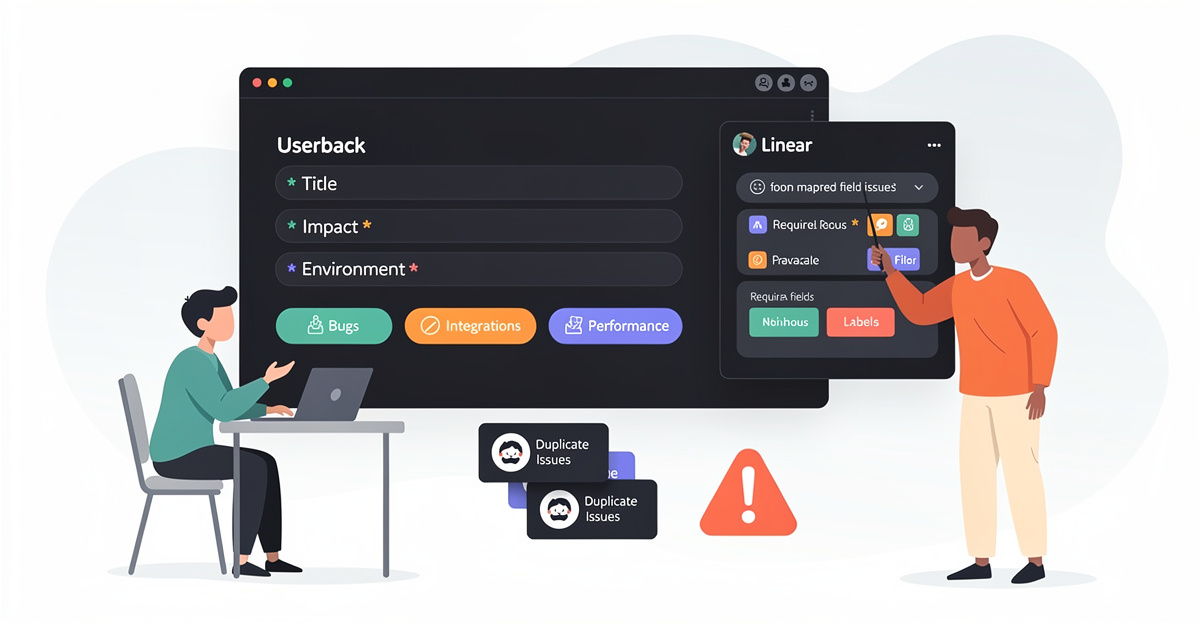
Feedback turns into noise the moment it hits Linear without context. Then your backlog becomes a dumping ground of half-baked issues nobody can trace back to a real user.
To set up a Linear public feedback portal without leaving your workflow, start by getting Userback running as the intake layer, not another inbox. Create a Userback account at userback.io, then generate the widget script in the dashboard and embed it in your app or site. That widget is what makes the portal real: users can submit feedback without an account or browser extension. Submissions can include screenshots, URLs, and even video with voice narration, which keeps “can’t reproduce” churn down. If your app has authentication, enable automatic user identification so each item carries the logged-in user context.
From there, connect Linear from Integrations inside Userback. Authenticate your Linear account so the pipeline is ready for the next chapter’s deeper 2-way sync setup. The goal is simple: when feedback is submitted, it should be structured before it ever becomes a Linear issue.
Don’t skip the housekeeping. Use Userback’s feedback management tools to tag, prioritize, and organize items before they hit Linear. Turn on feedback automation so users get notified when something is resolved or shipped. If you want advanced automation, Userback also offers an MCP Server (Model Context Protocol) endpoint you can use to connect AI agents for triage and workflow steps.
If duplicates are already killing you, read this guide on preventing feature request duplicates in Linear and apply the same discipline at intake.
How Feedvote solves this Userback can push structured feedback into Linear, but you still end up managing a separate portal and its rules. Feedvote keeps the public portal and the Linear workflow tied together so feedback doesn’t fragment across tools. You get a cleaner path from user request to Linear work item, without extra admin overhead. When you compare setups, Feedvote is the better workflow because it reduces the number of places you must triage and maintain.
Chapter 2 — Wire Up 2-Way Linear Sync So Your Public Feedback Portal Doesn’t Create Status Drift
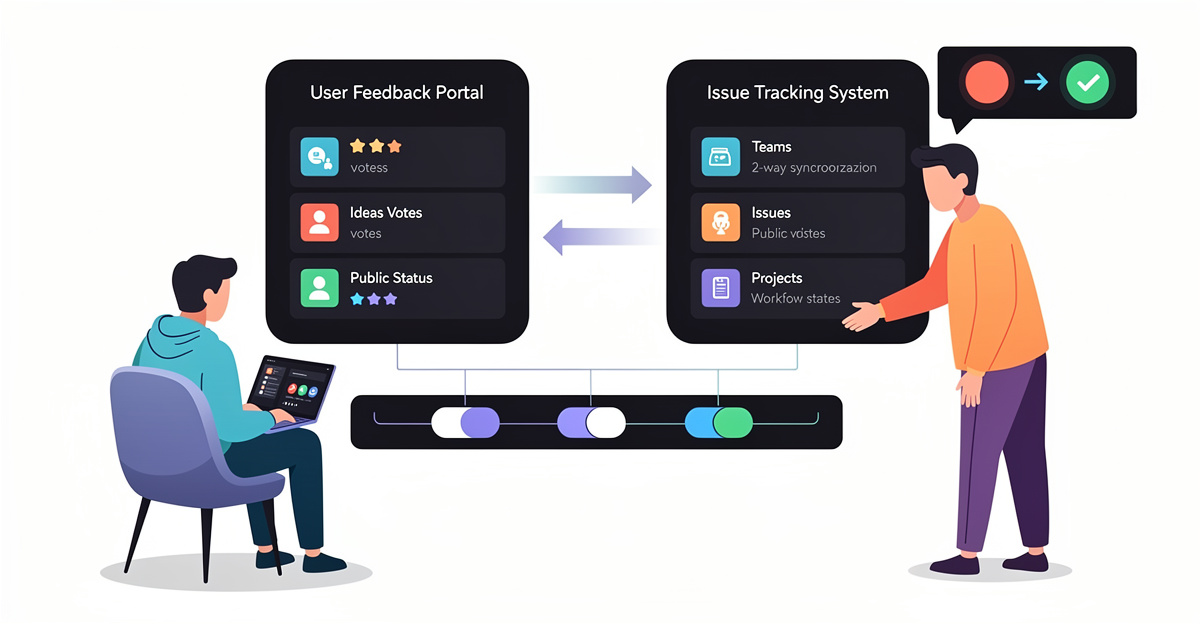
Your public feedback portal is worthless if Linear is the only place with the “real” status. The second you copy status by hand, it drifts and you ship duplicates.
You already set up the portal intake in Chapter 1. Now you need 2-way synchronization so a request’s lifecycle stays consistent across tools without a human acting as a router. The failure mode is predictable: a request gets turned into a Linear issue, then someone updates progress elsewhere, and the portal shows stale state. The other failure mode is worse: the same request gets re-entered and becomes a second ticket because there’s no shared identifier.
In spec-driven workflows, tools like spec-kit integrate Linear with GitHub Projects v2 and sync issues, sub-issues, and status updates bidirectionally. The point is simple: when a Linear issue moves forward, the corresponding GitHub Project status column updates too, and when an item closes in one system it closes in the other. That’s how you avoid manual status edits and stop duplicates caused by “I couldn’t find the original.”
The setup flow is straightforward: install spec-kit in your repo, then generate a Linear API key and provide it via environment variables (for example, LINEAR_API_KEY). In GitHub Projects v2, create a project with explicit Status columns (Todo, In Progress, Done) and connect it to the same workstream you track in Linear. Then enable 2-way sync with webhooks and automation so changes propagate in both directions. For dedupe, use stable IDs or labeling rules so the systems can match records instead of creating new ones.
Test with one real request: create it in Linear, verify it appears where expected, then change status on the other side and confirm Linear reflects it. Add periodic resync if you need a backstop for missed events.
How Feedvote solves this Feedvote keeps the public portal and Linear in one feedback workflow, so status changes don’t require manual copy. It syncs the request lifecycle back to Linear so customers see progress that matches engineering reality. It also reduces duplicates by keeping a single thread per request instead of scattered re-submissions. If you’re trying to run a public portal without turning Linear into a mirror-maintenance job, Feedvote is the cleaner workflow. See the deeper walkthrough on Linear feedback portal 2-way sync.
Embed Your Linear Public Feedback Portal Where Work Already Happens (Launch Without New Tabs)

Shipping a Linear public feedback portal usually fails at go-live. Not because it’s hard, but because it adds a new place to check.
After you’ve wired up 2-way sync into Linear, the next job is to remove the need for new rituals. The adoption win is embedding the portal into the surfaces your team and customers already touch. The principle is simple: preserve existing behavior. If someone must open a separate tool to read feedback, it becomes “later.” If they can see and act inside their normal flow, it becomes “now.”
A low-disruption launch looks like this: you embed the portal in your product, docs, or help center, then let the integration do the background work. The portal collects requests publicly. The integration routes them into Linear without manual copy/paste. Status changes then flow back out, so customers see progress without your team broadcasting updates in yet another place. That’s the entire point of a workflow-first portal: the team keeps living in Linear while feedback capture stays accessible.
Automation matters here because go-live creates new admin overhead fast. If you require people to triage, de-dupe, and chase context by hand, the portal becomes a backlog of half-truths. Start with the least disruptive use cases: capture feedback, create the Linear work item, and keep status in sync. Then expand once trust is earned.
Governance still exists at go-live, but it should not block shipping. Set clear rules for what becomes an issue, what stays a request, and who can change states. Chapter 4 will turn this into a repeatable operating system.
How Feedvote solves this Feedvote is built to keep your Linear workflow intact while the portal runs where users already are. You can embed collection where customers click, then let the system handle routing and visibility without extra tabs. The goal is fewer manual steps during launch and fewer new habits after launch. If you also want to cut duplicate requests at the source, follow this guide on preventing feature request duplicates in Linear.
Chapter 4 — Keep the Linear Public Feedback Portal Clean: Access Control, Ownership, and Duplicate Control
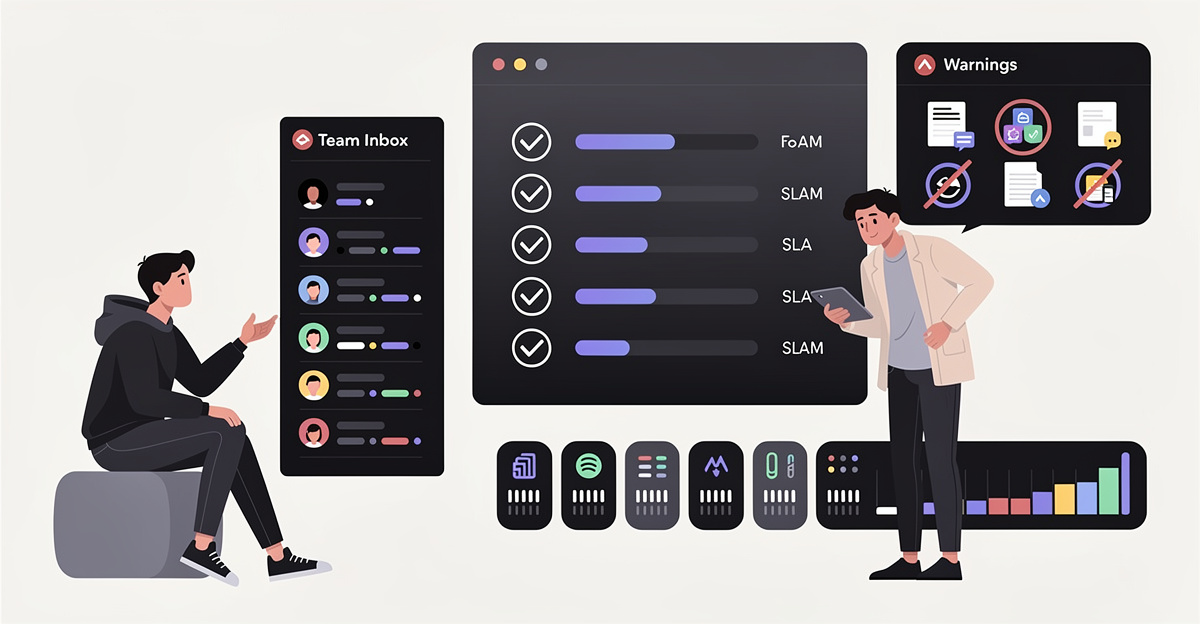
The portal goes live, then entropy starts. Without rules, you get spammy submissions, unclear ownership, and duplicate requests that never close.
Operating a Linear public feedback portal means treating it like a system, not a page. Start with permissions. Use role-based access control so only the right people can change portal settings and workflows. Assign roles based on what the role does, not who holds it. That naming holds up when your org changes. Keep to least privilege. It reduces accidental edits and keeps triage consistent.
Then enforce hygiene. Stale content is the fastest way to lose trust in a public feedback portal. The cleanest pattern is to keep portal metadata and configuration tied to source control via versioned config files. That way, updates follow the same review path as product work. Also, assign clear owners for major areas so requests don’t sit unclaimed. Add routine checks: what’s unused, what’s outdated, and what has no owner. A portal with no ownership is just a form.
Finally, prevent bloat. Don’t create roles for every edge case. Each new role is future admin work. Don’t expand your portal into a second product system either. Keep one source of truth for status and decisions, and sync back to Linear so the team stays in one workflow. Duplicate requests are bloat too. Put a process in place to merge them and keep a single canonical thread (see: preventing feature request duplicates in Linear).
How Feedvote solves this Feedvote is built to run as an operating system for feedback while keeping Linear as the execution system. You can control who administers the portal and who triages, without turning it into a permission maze. It keeps requests organized so teams can merge duplicates instead of re-triaging the same work. Compared to general tools like Pendo or Qualtrics Intercepts, Feedvote stays centered on a public portal workflow that maps cleanly into Linear, instead of sending you back to yet another dashboard.
Final thoughts
Context switching kills throughput. A Linear public feedback portal only helps if it feeds Linear cleanly and reflects Linear status truthfully. Userback’s Ideas Portal gives you structured intake, voting, and a public surface area. The 2-way Linear integration prevents the classic failure mode where portal statuses drift away from real execution states. Embedding the portal in-product keeps submission friction low, while your team keeps triage and delivery inside Linear where it belongs.
The operational work is not optional. Set tight status mappings, route intake to a sane inbox, and enforce deduplication. Otherwise the portal becomes another bloated graveyard of “maybe later.” Keep the portal public-facing and minimal. Keep Linear as the execution brain. When the system is wired correctly, customers see progress without nagging your PMs, and engineers don’t waste time translating feedback into tickets by hand.
Set up your Linear public feedback portal with Feedvote in 5 minutes and start syncing requests today.
Learn more: https://feedvote.app
About us
Feedvote is a customer feedback + public roadmap platform. It replaces Canny and Productboard for teams who want less bloat, lower cost, and faster workflows. It integrates deeply with Linear, but works as your source of truth for feedback. That means one place for intake, dedupe, votes, and customer-visible status. Linear stays where work gets done. Feedvote keeps the public surface synced so your roadmap doesn’t rot into a spreadsheet and your backlog doesn’t turn into a comment-powered landfill.